NVD: What the National Vulnerability Database Is and How to Use It
Every time a security researcher discovers a flaw in a piece of software — a WordPress plugin, a web server, a JavaScript library — it gets a unique identifier and a public record. The central place those records live is the NVD: the National Vulnerability Database. If your website runs third-party software (and every website does), the NVD is the authoritative list of what could be wrong with it. This guide explains what the NVD is, the CVE and CVSS vocabulary that surrounds it, and how to check whether your own stack is affected.
What is the NVD?
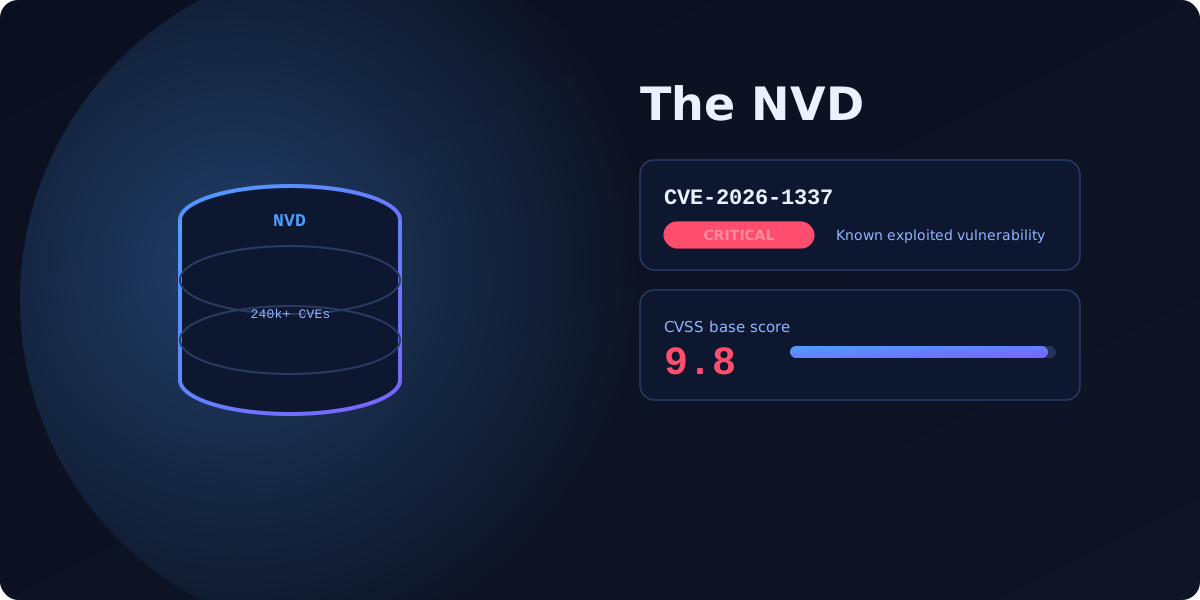
The National Vulnerability Database is the U.S. government repository of known software vulnerabilities, maintained by NIST (the National Institute of Standards and Technology). It builds on the CVE list coordinated by MITRE: when a vulnerability is assigned a CVE identifier, the NVD enriches it with a severity score, affected-product data and references. It is free, public, and the reference that scanners and security teams worldwide rely on. VitalSite’s NVD / NIST intel page explains how we query it during a scan.
CVE, CVSS and CWE — the vocabulary
Three acronyms do most of the work. They are easy to mix up, so here is each one in plain English.
CVE — the identifier
A CVE (Common Vulnerabilities and Exposures) is a unique ID for one specific vulnerability, formatted like CVE-2026-1337. It is just a label — a way for everyone, from vendors to scanners to news articles, to refer to the exact same flaw without ambiguity. One CVE equals one vulnerability.
CVSS — the severity score
A CVSS (Common Vulnerability Scoring System) score rates how serious a vulnerability is, from 0.0 to 10.0. The NVD publishes a CVSS base score for most CVEs: 0.1–3.9 is Low, 4.0–6.9 Medium, 7.0–8.9 High, and 9.0–10.0 Critical. The score factors in how easy the flaw is to exploit and how much damage it does, so you can triage — a 9.8 demands action today, a 3.1 can wait.
CWE — the weakness type
A CWE (Common Weakness Enumeration) describes the category of underlying flaw, such as CWE-79 (cross-site scripting) or CWE-89 (SQL injection). Where a CVE is one specific instance, a CWE is the class of mistake behind it. CWEs help you spot patterns across many vulnerabilities.
How to use the NVD
You can search the NVD directly at nvd.nist.gov by CVE ID, keyword, or product. Each entry shows the description, CVSS score and vector, the affected version ranges, and links to patches and advisories. In practice, though, reading the NVD by hand only tells you about a vulnerability you already suspect. The harder question is the reverse: which of the thousands of CVEs apply to the specific software versions your site runs right now.
From the NVD to your website
This is where a scanner earns its keep. VitalSite first runs tech-stack fingerprinting to detect what your site is built on — CMS, server, frameworks and their versions — then performs CVE matching against the NVD to flag known vulnerabilities for those exact versions. Outdated software with known CVEs is consistently among the most common website vulnerabilities, precisely because the fixes are public but sites forget to apply them. A free VitalSite scan does this matching automatically across your whole domain.
Comparison: CVE vs CVSS vs CWE
| Term | What it is | Example |
|---|---|---|
| CVE | A unique ID for one specific vulnerability | CVE-2026-1337 |
| CVSS | A 0–10 severity score for that vulnerability | 9.8 (Critical) |
| CWE | The category of the underlying weakness | CWE-79 (XSS) |
Together they answer three questions: which flaw, how bad, and what kind.
Four ways to stay ahead of NVD vulnerabilities
- Keep software patched — the overwhelming majority of exploited CVEs already have a fix available; applying updates closes them.
- Know your stack, because you cannot match CVEs against software you did not know you were running. Fingerprint it first.
- Prioritise by CVSS — fix Critical and High before Medium and Low, and watch for vulnerabilities flagged as actively exploited.
- Scan continuously, since new CVEs are added to the NVD every single day; a version that is safe today can be vulnerable tomorrow.
Find out which known CVEs affect your site right now — run a free security scan across your whole domain, or compare plans for continuous monitoring and full fix guides.
FAQ
What is the difference between CVE and NVD?
+Is the NVD free to use?
+How do I know if my website is affected by a CVE?
+Scan your own domain free
See which of these issues affect your site — with exact fixes.
Scan Your Domain — Free