Dir Search Online: How to Find a Website’s Hidden Directories
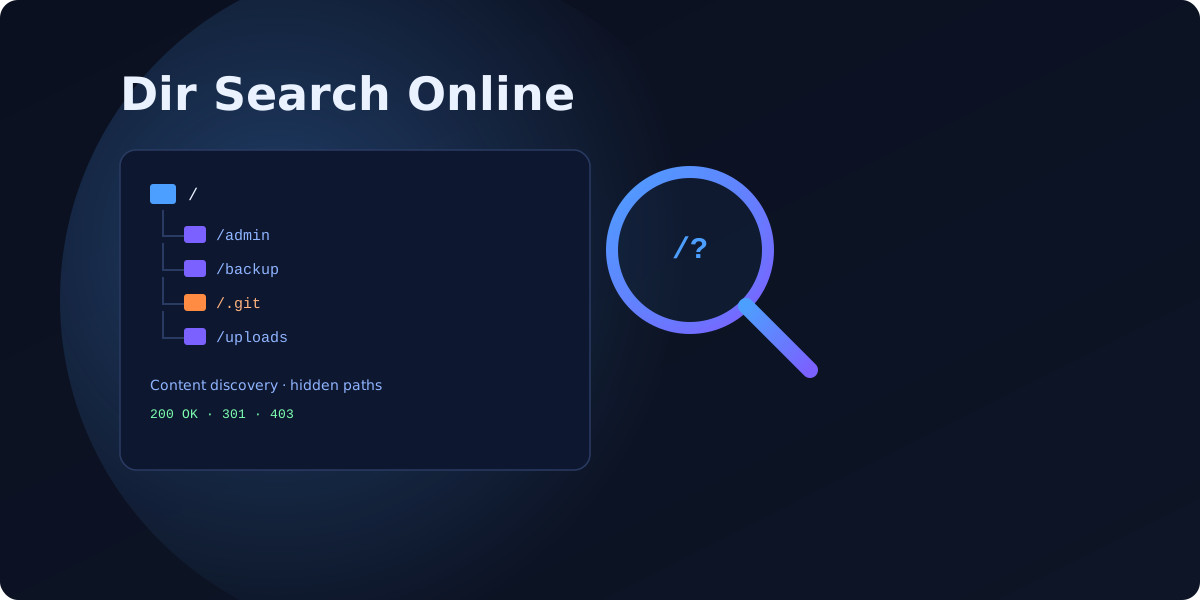
Before an attacker tries anything clever, they do something simple: they look around. A "dir search" — short for directory search, also called content discovery — is the process of probing a website for folders and files that are not linked anywhere but are still reachable if you know the URL. Admin panels, backup archives, exposed .git folders, old config files: a dir search finds them. This guide explains how online dir-search tools work, what they look for, and how to run one against your own site so you can close the gaps first.
What "dir search" actually means
A website is more than the pages in its menu. Over time, servers accumulate forgotten paths: a /backup/ folder a developer left behind, a /old-site/ copy, an /admin/ login, a database export dropped in the web root. None of these appear in your navigation or sitemap, so you assume nobody can see them. But "unlinked" is not the same as "private." If the URL resolves, anyone who guesses it — or runs a dir search — can reach it. That is the entire premise of content discovery.
How online directory search works
A dir-search tool does not guess randomly. It takes a wordlist — a long list of common directory and file names (admin, login, backup, config, wp-admin, .env, api, uploads) — and requests each one against your domain, reading the HTTP status code that comes back.
Wordlists and status codes
The status code is the signal. A 200 OK means the path exists and returns content. A 301/302 redirect often reveals a real directory. A 403 Forbidden is almost as interesting — it confirms the folder exists but is blocked, which tells an attacker exactly where to focus. A 404 Not Found means move on. By running thousands of requests and sorting by response, a dir search maps the hidden structure of your site in minutes. Tools layer on extensions (.php, .bak, .zip, .sql) to catch forgotten files too.
Online vs local tools
There are two flavours. Online dir-search services run from a browser — you paste a URL and they scan remotely, which is convenient but limited and rate-restricted. Local command-line tools like dirsearch, Gobuster and ffuf run from your machine with custom wordlists and far more control. For defenders, the fastest honest answer is a full security scan: a free VitalSite scan checks for exposed directories and sensitive files across your whole domain and returns exact fixes, without you assembling a toolchain.
What attackers are really looking for
A dir search is reconnaissance — the prize is what it uncovers. The highest-value finds are an open directory listing that displays a folder’s entire contents, and sensitive files that should never be public: .env files full of credentials, .git folders exposing your source code, database dumps, and backup archives. Our guide on sensitive files that must never be public covers exactly which paths to lock down, and if a folder browses openly, our directory listing checker guide explains the one-line fix.
Run a dir search on your own site first
The best defense is to find these paths before anyone else does. Beyond scanning, review your robots.txt and sitemap — ironically, many sites list their secret directories in robots.txt, handing attackers a map. Then confirm that every sensitive path returns a 403 or 404, not a 200.
Comparison: popular content-discovery tools
| Tool | Type | Best for | Learning curve |
|---|---|---|---|
| dirsearch | Python CLI | Focused directory + file brute-forcing with smart defaults | Moderate |
| Gobuster | Go CLI | Fast scans with directory, DNS and vhost modes | Moderate |
| ffuf | Go fuzzer | High-speed fuzzing and advanced filtering | Steeper |
Online scanners are fine for a quick look, but a defender gets more from a full-domain security scan that also explains how to fix what it finds.
Four ways to shut down directory exposure
- Disable directory listing on your web server so folders never display their contents (Options -Indexes on Apache, autoindex off on Nginx).
- Block access to sensitive paths — return 403/404 for .env, .git, backups and database dumps, and never store them in the web root.
- Keep secrets out of robots.txt — disallowing /admin/ in robots.txt advertises it; protect paths with real authentication instead.
- Scan regularly, because new exposed files appear every deploy. A scheduled scan catches the backup someone forgot to delete.
See which directories and files are exposed on your site — run a free security scan across your whole domain, or compare plans for continuous monitoring and full fix guides.
FAQ
Is it legal to run a dir search on a website?
+What is the difference between a dir search and a vulnerability scan?
+How do I stop a dir search from finding sensitive files?
+Scan your own domain free
See which of these issues affect your site — with exact fixes.
Scan Your Domain — Free